

Google Business Profile Categories: How to Choose the Right Ones
How Google Business Profile categories affect your rankings, how to choose your primary and secondary categories, and the mistakes to avoid.
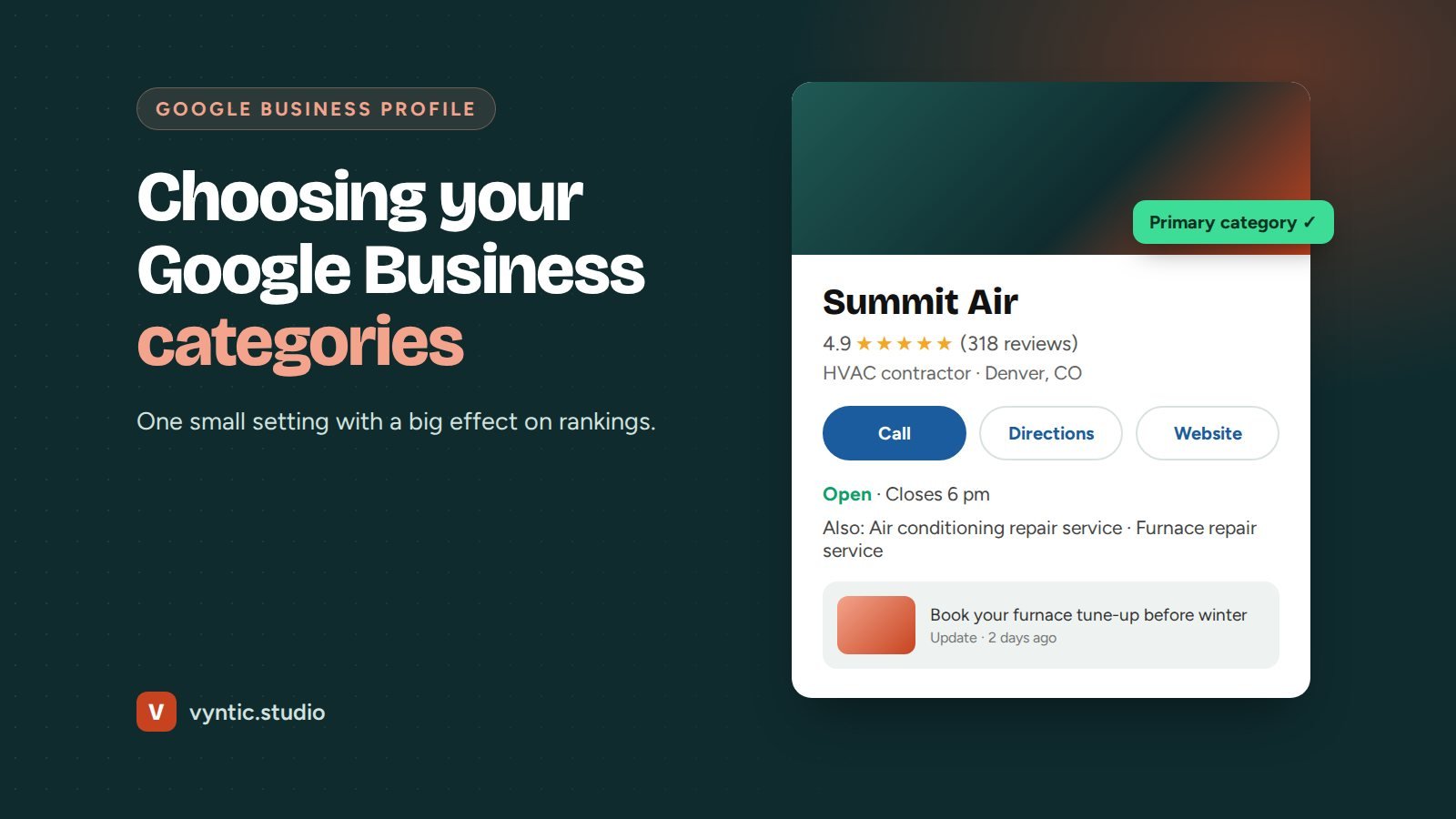
Google Business Profile categories are one of the strongest local ranking factors you control, yet most businesses pick one in a hurry and never look at it again. Your categories tell Google what kind of business you are, and Google uses them to decide which searches you appear for in the map pack and on Google Maps.
This guide explains how Google Business Profile categories work, how to choose the right primary and secondary categories, and the mistakes that hold businesses back.
How Google Business Profile categories work
Every profile has one primary category and can have up to nine additional (secondary) categories. You choose from a fixed list of several thousand options, from “Dentist” and “Cosmetic dentist” to “Roofing contractor” and “Gutter cleaning service”.
- The primary category has the biggest effect. It describes your core business and appears under your name on Maps.
- Secondary categories help you appear for other services you offer.
- Some categories unlock extra features, such as menus, booking buttons or service lists specific to that industry.
How to choose your primary category
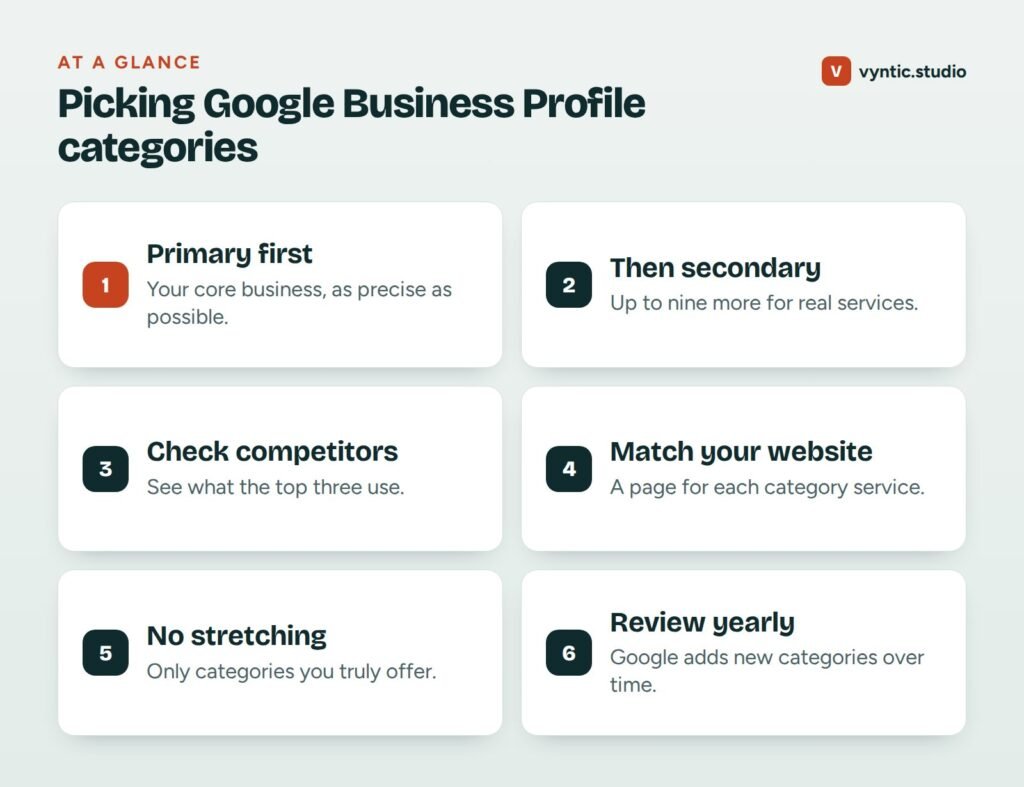
Your primary category should describe the main thing you do, as precisely as possible. Ask yourself: what would most customers search for to find us?
- A dental practice that mainly does general dentistry: “Dentist”.
- A practice focused on veneers and whitening: consider “Cosmetic dentist”.
- A heating and cooling company: “HVAC contractor”.
- A personal injury law firm: “Personal injury attorney”, not the broad “Lawyer”.
Specific usually beats broad, because it matches what people search for. But it must be honest. If most of your work is general plumbing, do not choose “Water heater installation service” as your primary just because it seems less competitive.
How to choose secondary categories
Add secondary categories for other real services that people search for separately. A good test: would a customer search for this service on its own, and do you have a page about it on your website?
For example, an HVAC company might use:
| Primary | Secondary |
|---|---|
| HVAC contractor | Air conditioning repair service |
| Air conditioning contractor | |
| Furnace repair service | |
| Heating contractor | |
| Air duct cleaning service |
Examples of good Google Business Profile categories
| Business | Primary category | Useful secondary categories |
|---|---|---|
| Family dental practice | Dentist | Cosmetic dentist, Emergency dental service |
| Med spa | Medical spa | Skin care clinic, Laser hair removal service |
| Roofing company | Roofing contractor | Gutter service, Siding contractor |
| Family law firm | Family law attorney | Divorce lawyer, Mediation service |
| Plumbing company | Plumber | Drainage service, Water heater installation service |
These are starting points, not rules. Always check the current list in your profile, because category names change and new ones are added.
Research what works in your area
Search for your main service in your area and look at the businesses in the top three of the map pack. Their primary category appears under their name. Note which categories keep appearing. If every top result uses “Personal injury attorney” and you use “Law firm”, that alone may explain part of the gap.
Browser extensions can show secondary categories too, which helps you spot services competitors cover that you have not added.
Support your categories on your website
Categories work best when your website backs them up. For each important category, you should have a page that describes that service in detail, with photos, prices or price ranges, FAQs and reviews. Google checks that your profile, website and other listings tell the same story. If you add “Emergency plumber” as a category but your website never mentions emergency work, it carries less weight.
Mistakes to avoid
- Choosing a broad primary category when a precise one exists.
- Adding categories for services you do not offer to appear in more searches. This can confuse Google and lead to suspension.
- Adding all ten just because you can. Five accurate categories beat ten loose ones.
- Changing categories often. Frequent changes can trigger re-verification and make rankings unstable.
- Forgetting seasonal shifts. Some businesses change their primary category for a season, but test this carefully and measure the results.
When to review your categories
Check your Google Business Profile categories once a year, and whenever you add a major new service. Google adds new categories regularly, and a better fit may now exist. Also check after a drop in calls: suggested edits from the public sometimes change categories without you noticing.
Get the rest of your profile right
Categories are one part of a strong profile. Read what a Google Business Profile is for the basics, how to create a Google Business Profile for setup, and our Google Business Profile guide for ongoing optimization.
Our Google Business Profile optimization service includes category research for your area, plus photos, posts, services and review strategy. Book a free project call and we will review your categories with you.
Frequently asked questions
How many categories can a Google Business Profile have?
One primary category and up to nine additional categories, ten in total.
Can I create my own Google Business Profile category?
No. You must choose from Google’s list. If your exact service is missing, pick the closest broader category and describe the specific service in your services list and description.
Will changing my primary category affect my rankings?
Yes, often significantly, and sometimes it triggers a re-verification. Only change it when the new category is clearly more accurate, and watch your results closely afterwards.
How do I see which categories competitors use?
Their primary category shows under their name on Google Maps. Free browser extensions can also show their secondary categories.
Comments