

How to Get More Google Reviews (Without Breaking the Rules)
Nine practical ways to get more Google reviews from real customers, with message templates and the rules you must not break.
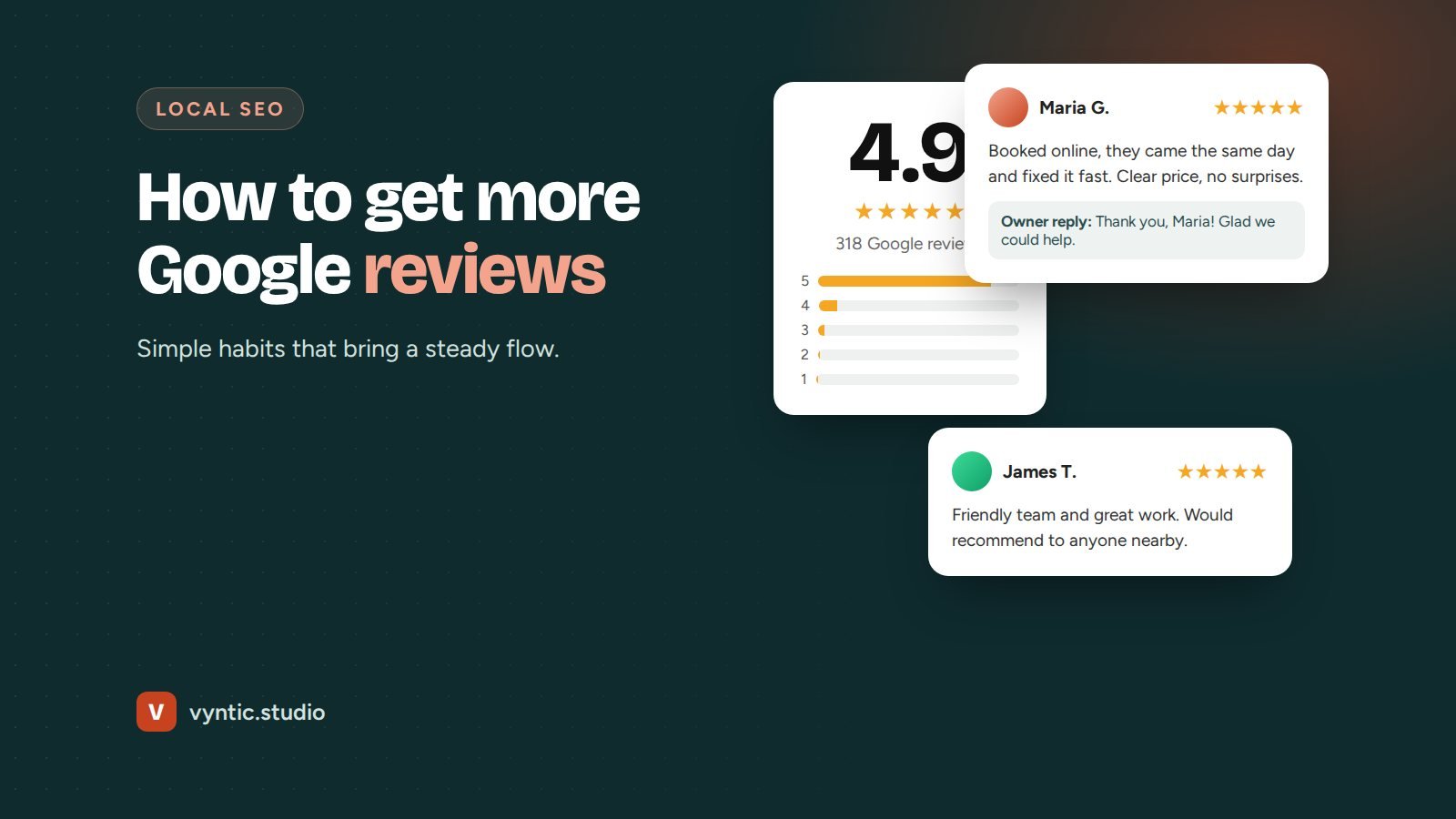
Knowing how to get more Google reviews is one of the most useful skills a local business can have. Reviews help you rank in the map pack, they persuade people to call, and they give AI tools the details they quote when they recommend businesses. Yet most businesses rely on customers remembering to leave one, which almost never happens.
The fix is simple: ask the right way, at the right time, every time. Here are nine methods that work, plus the rules you must not break.
Why Google reviews matter so much
Reviews are one of the main prominence signals Google uses for local rankings. Volume, recency, rating and the content of reviews all count. They also decide whether people choose you once they see you. Most buyers compare star ratings and read a few recent reviews before calling anyone.
Reviews that mention a specific service and place, such as “they fixed our boiler in Leeds the same day”, are especially useful. They help Google and AI tools understand what you do and where.
How to get more Google reviews: 9 methods
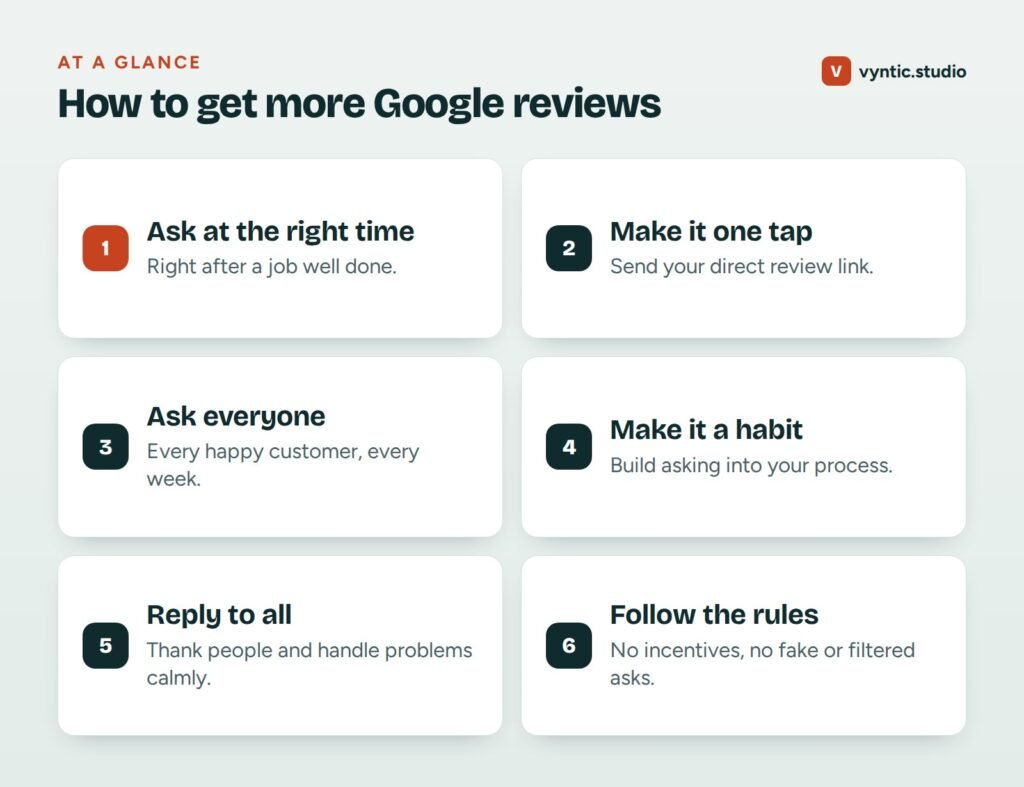
1. Ask at the moment of delight
The best time to ask is right after the customer says something positive: when the job is finished, the problem is solved or the product arrives. Gratitude fades fast. A request sent three weeks later gets a fraction of the response.
2. Send your direct review link
Never say “find us on Google and leave a review”. Every extra step loses people. Copy your short review link from your Google Business Profile and send it directly, so one tap opens the review form.
3. Ask in person, then follow up in writing
A friendly in-person request makes the follow-up message feel natural. “Would you mind leaving us a quick Google review? I will text you the link now” works well for trades, clinics and shops.
4. Use text messages for local services
For many local businesses, a text gets a much better response than email. Keep it short and personal:
Hi Sarah, thanks for choosing Brightline Electric today. If you have a minute, a quick Google review would really help us: [link]. Thank you! Tom
5. Add a review request to your email signature and invoices
Every email and invoice you send is a gentle reminder. Add a line such as “Happy with our work? Leave us a Google review” with your link.
6. Make it part of your process
Reviews come in steadily when asking is a step in your workflow, not something you remember now and then. Add it to your job completion checklist, your booking software or your CRM. Tools such as GoHighLevel can send the request automatically when a job is marked complete.
7. Use a QR code at your counter or on your van
For businesses with a counter, waiting room or branded vehicles, a QR code that opens your review form makes it easy for customers to leave a review on the spot.
8. Ask about a specific job
Instead of “please review us”, say “would you mind sharing how the kitchen fitting went?” Customers then naturally mention the service, which helps your rankings and makes the review more useful for other buyers.
9. Reply to every review
Replying shows future customers that you care, and customers are more likely to leave a review when they see the owner replies. Thank people by name, mention the job, and keep it short. For negative reviews, stay calm, apologize for the experience, and invite them to contact you to put it right.
The rules: what not to do
Google’s review policies are strict, and breaking them can get reviews removed or your profile suspended.
- No incentives. No discounts, gifts or prize draws in exchange for reviews.
- No fake reviews. Do not write reviews yourself, ask staff to review you or buy reviews.
- No review gating. Do not filter customers by asking if they are happy first and only sending happy ones to Google.
- No mass requests to friends and family. Sudden spikes from people who are not customers get filtered.
- No review stations on a single device. Many reviews from one tablet in your shop can look suspicious.
How many reviews do you need?
There is no magic number. Look at the businesses in the top three of the map pack for your main searches. If they have 80 to 150 reviews, that is the range to aim for, with new reviews coming in every month. Recency matters: a steady flow of a few reviews a week beats 200 reviews from five years ago.
Make reviews part of your local SEO
Reviews work best alongside a complete profile and a strong website. Our local SEO checklist shows where they fit, and the guide to local business SEO covers the full picture. If you are just getting started, read what a Google Business Profile is first.
If you want review requests to run on autopilot, our GoHighLevel setup can send them automatically after each job, and our local SEO services include a review strategy as standard. Book a free project call to talk it through.
Frequently asked questions
Can I offer a discount in exchange for a Google review?
No. Google does not allow incentives of any kind for reviews, including discounts, gifts or entry into a prize draw. Reviews obtained this way can be removed and your profile can be penalized.
Is it allowed to ask only happy customers for reviews?
Google discourages review gating, which means filtering customers before asking. The safest approach is to ask all customers in the same way and handle unhappy ones through good service and calm replies.
How do I find my Google review link?
In your Google Business Profile, open the profile on Google Search or Maps while signed in, choose the option to ask for reviews and copy the short link. Save it somewhere your whole team can use it.
Why did some of my Google reviews disappear?
Google filters reviews it considers suspicious, such as many reviews from the same location in a short time, reviews from accounts with no history, or reviews that break its content rules.
Comments