

Google Business Profile Posts: What to Post and How Often
How Google Business Profile posts work, what to post and how often, with twelve ready-to-use ideas for any local business.
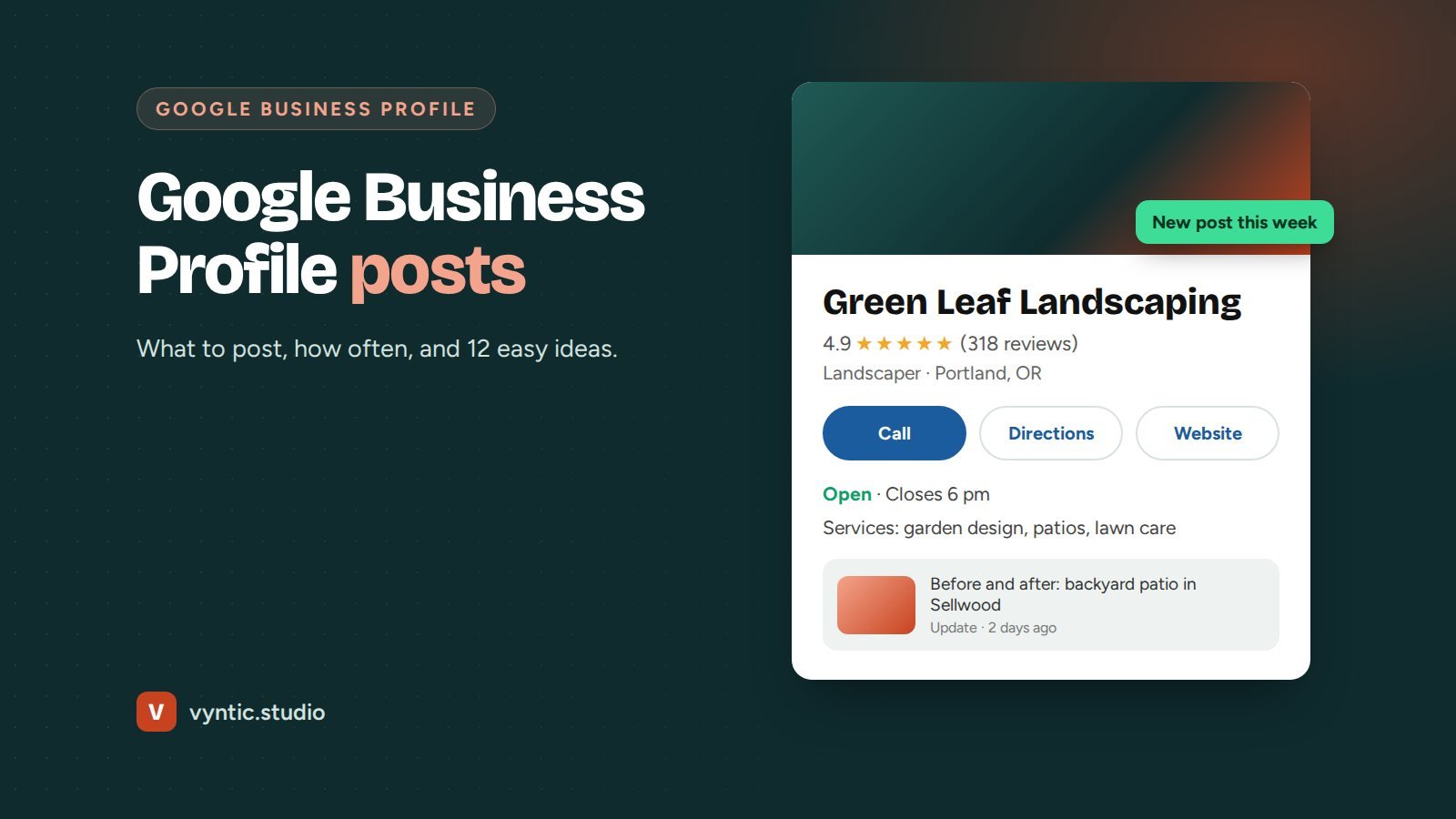
Google Business Profile posts are short updates that appear on your listing in Google Search and Maps. They work like mini social media posts: a photo, a few lines of text and a button. Most businesses ignore them, which is exactly why they are worth doing. A profile with fresh posts looks active and trustworthy, while a profile with the last update from two years ago makes people wonder if you are still open.
This guide explains how Google Business Profile posts work, what to post and how often, with ideas you can use this week.
How Google Business Profile posts work
You can add posts from your profile dashboard on Google Search or Maps while signed in. There are three main types:
| Post type | Best for |
|---|---|
| Update | News, recent work, tips and behind the scenes |
| Offer | Discounts and deals, with start and end dates |
| Event | Workshops, open days and launches, with dates |
Each post can include a photo or video, up to 1,500 characters of text and a button such as Book, Learn more, Order online or Call now. Customers see your recent posts on your profile, and posts can also appear when people search for related terms.
Keep the first 100 or so characters strong, because longer text is cut off until someone taps to read more.
How often to post
Aim for one post a week, and at least two a month. Consistency matters more than volume. Older posts become less visible, so a steady rhythm keeps your profile fresh. Block 20 minutes in your calendar every week and batch a few posts at once if that is easier.
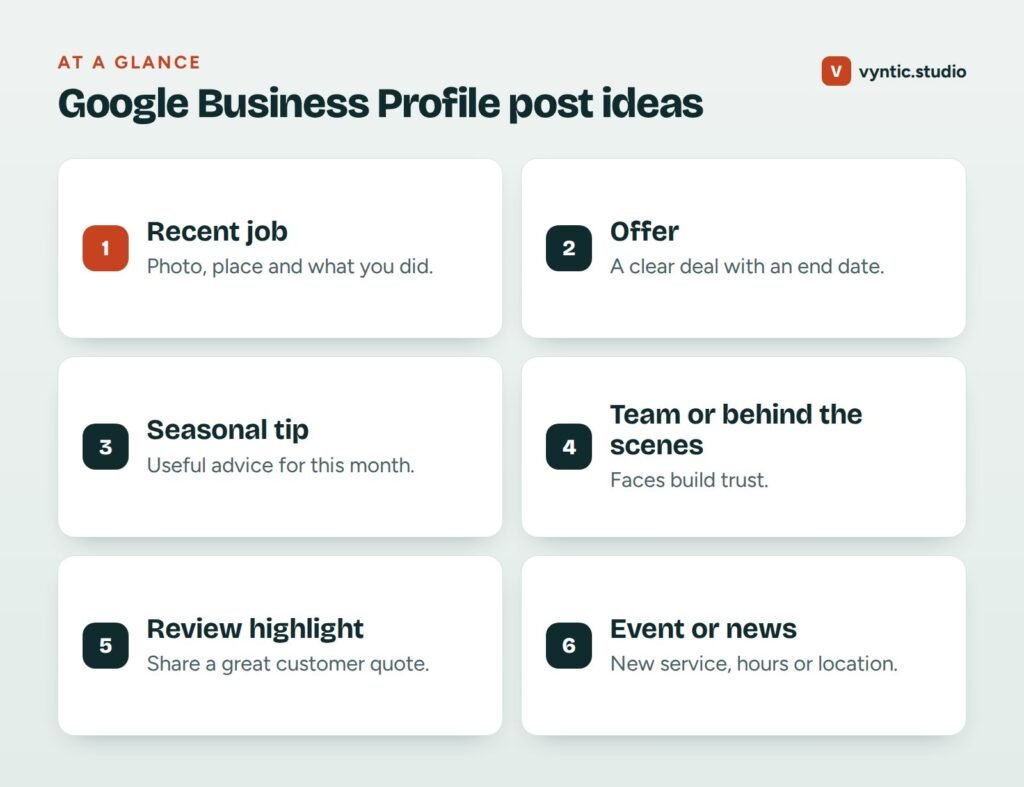
12 Google Business Profile post ideas
- A recent job with a photo and the area: “New kitchen in Sellwood, finished in 9 days.”
- Before and after photos of a project.
- A seasonal tip such as “Three checks before you turn the heating on this winter.”
- An offer with a clear end date: “Free gutter check with every roof inspection until 30 November.”
- A customer review quoted with a thank you.
- Your team: introduce a team member and what they do.
- A new service or product, linked to its page on your website.
- Answers to common questions, such as how long a job takes or what it costs.
- Holiday hours or changes to opening times.
- Behind the scenes: your workshop, tools, vehicles or process.
- An event: an open day, a workshop or a community sponsorship.
- A link to a helpful blog post, such as a guide or checklist.
How to write posts that get calls
- Use a real photo, ideally taken on the job. Avoid text-heavy graphics.
- Mention the service and the area naturally in the first line.
- Keep it short: two to four sentences is plenty.
- Choose the button that matches the next step, such as Book or Call now.
- Link to the most relevant page on your site, not always the home page.
Rules to follow
Google reviews posts and may reject or remove them. Avoid:
- phone numbers in the post text (use the Call button instead)
- misleading claims or offers you will not honor
- restricted products or services under Google’s content policies
- low quality, blurry or irrelevant images
- repeated identical posts
Measure what works
Your profile’s Performance section shows views, calls, direction requests and website clicks. Use UTM tags on your post links so you can see visits from posts in Google Analytics. After a couple of months, you will see which types of posts bring the most engagement, and you can do more of those.
Posts are one part of a strong profile
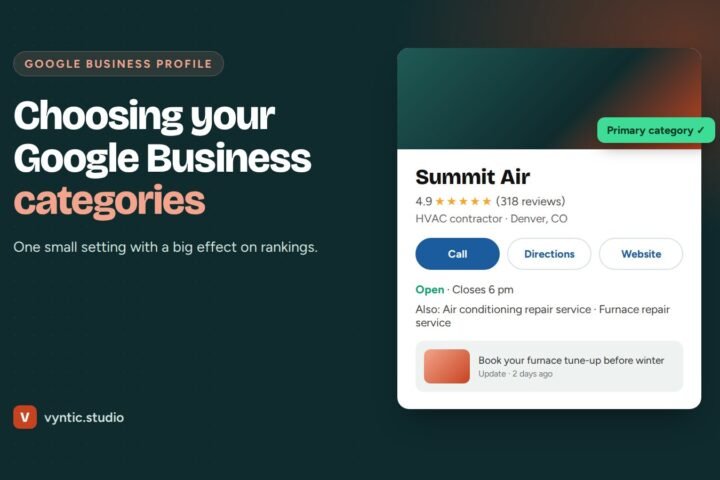
Posts work best on a profile that is complete and well set up. Read our guides on what a Google Business Profile is, choosing the right categories and how to get more Google reviews.
If you do not have time to post every week, our Google Business Profile optimization service includes regular posts written and published for you. Book a free project call to find out more.
Frequently asked questions
How often should I post on my Google Business Profile?
Once a week is a good target, and at least twice a month. Regular posts keep your profile looking active and give customers fresh reasons to choose you.
Do Google Business Profile posts help rankings?
Google has not said posts are a direct ranking factor, but active, complete profiles tend to perform better, and posts can improve clicks and calls from people who see your profile.
Can I add links and buttons to Google Business Profile posts?
Yes. Most post types let you add a button such as Book, Order online, Learn more, Sign up or Call now, linked to a page on your site.
What size should images be for Google Business Profile posts?
Use a clear landscape photo of at least 720 by 540 pixels, with the main subject in the center. Avoid text-heavy graphics, which can be cropped and are harder to read on phones.
Can someone else post on my Google Business Profile for me?
Yes. Add them as a manager in your profile settings. They can post and reply to reviews without owning the profile, and you can remove access at any time.
Why was my Google Business Profile post rejected?
Posts are rejected for reasons such as phone numbers in the text, misleading claims, restricted products or low quality images. Remove phone numbers from the text and use the Call button instead.
Comments