

The Website Redesign Process: 7 Steps From Audit to Launch
The seven steps of a website redesign process that protects your rankings and launches on time, with what happens and who does what in each one.
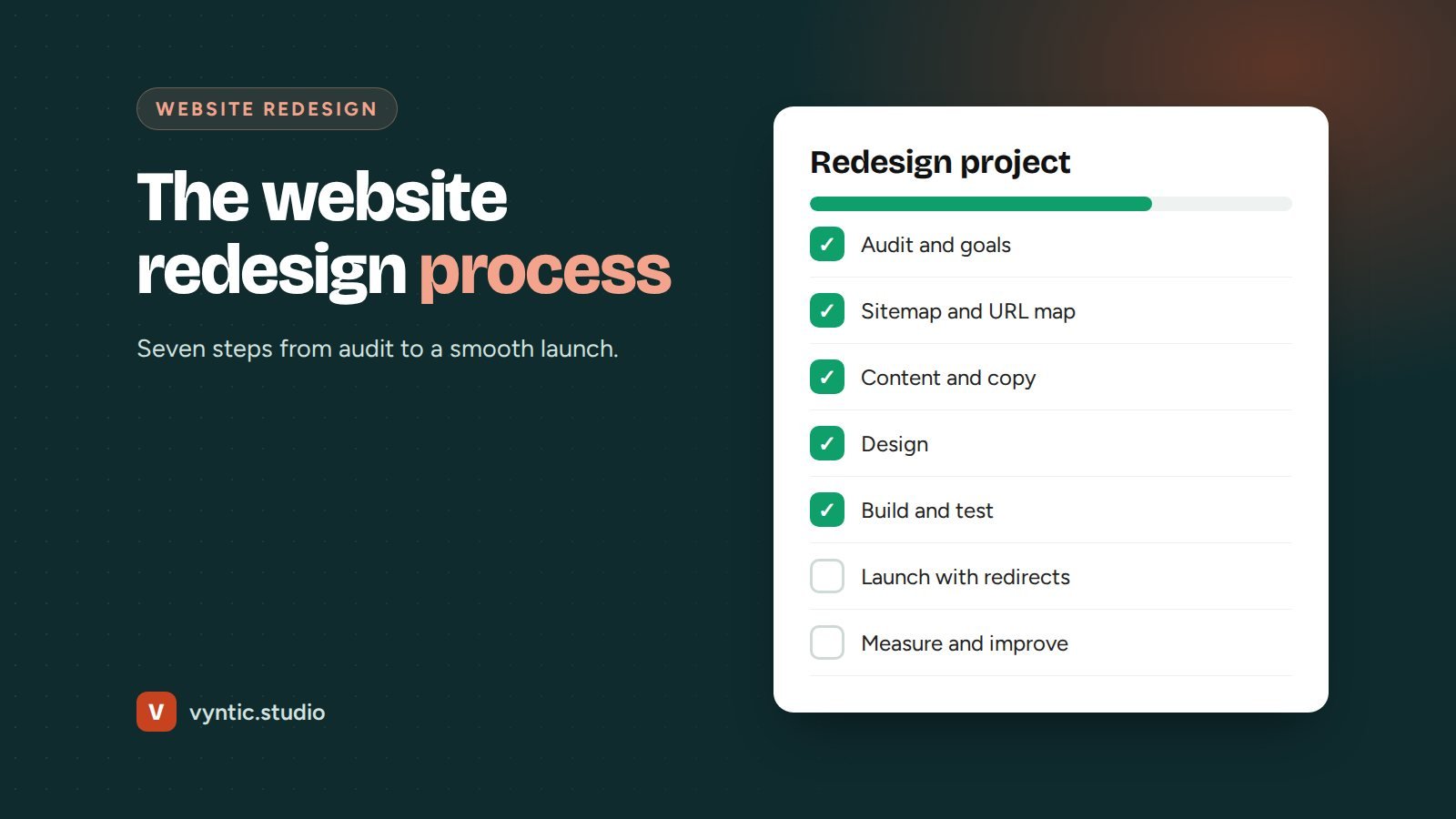
A good website redesign process is the difference between a launch that brings more leads and one that quietly loses half your Google traffic. The design is only one part. The planning before and the checks after matter just as much.
This is the seven step website redesign process we use with clients, with what happens in each step and what you need to prepare.
Step 1: Audit what you have
Every redesign starts with understanding the current site. We look at:
- which pages bring traffic, leads and sales, using Google Analytics and Search Console
- which pages rank for important searches and must be kept or improved
- speed, mobile use, technical SEO and security problems
- how visitors move through the site and where they leave
- what customers ask on the phone that the site does not answer
The audit stops you from throwing away pages that work. If you want to do this part yourself, our guide on how to do a website audit covers the main checks.
Step 2: Set goals and plan the structure
Next, agree what the new site must do. “Look modern” is not a goal. “Double quote requests from the service pages” or “let customers book online” is.
Then plan the structure:
- a sitemap listing every page on the new site
- a URL map matching each old URL to its new home
- the main call to action for each page
- features needed, such as booking, payments, a calculator or a members area
The URL map is the most important document in any redesign. It is what keeps your rankings.
Step 3: Write and gather content first
Most redesigns are delayed by content, not design. Writing the content before the design means the design fits the message instead of forcing words into boxes.
For each page, decide the headline, key points, proof (reviews, case studies, photos) and call to action. Keep what already ranks, and improve it rather than starting from scratch. This is also the moment to add the pages you were missing, such as separate pages for each main service.
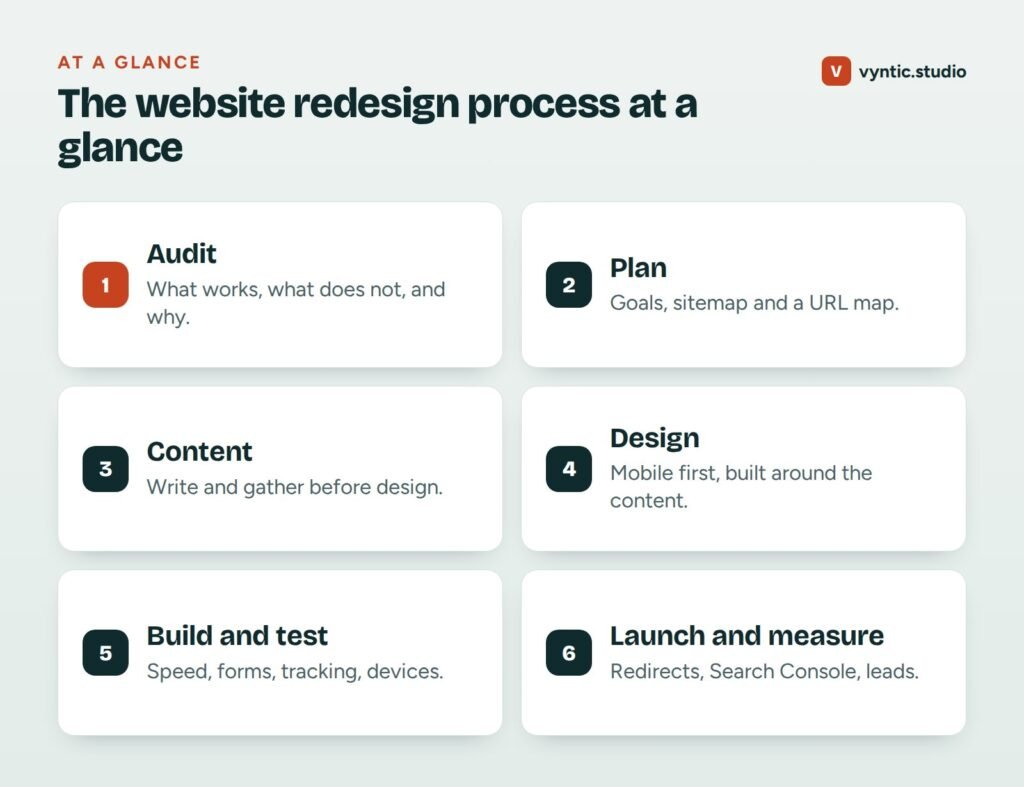
Step 4: Design, mobile first
With content ready, the design can do its job: making the message clear, credible and easy to act on. Good redesigns:
- start with the mobile layout, since most visitors use phones
- use a clear visual hierarchy so the main message and button stand out
- place proof near every call to action
- keep forms short and phone numbers tap-to-call
- reflect your brand without sacrificing speed
You should see designs for the key page types, usually the home page, a service page and a contact page, before the build starts.
Step 5: Build and test on a staging site
The site is built on a private staging copy while your current site stays live. Before launch, test:
- speed and Core Web Vitals on mobile
- every form, button, phone link and booking flow
- tracking for forms, calls and purchases
- layout on real phones, tablets and desktop browsers
- titles, meta descriptions, headings, alt text and structured data
- that every old URL has a redirect in place
Step 6: Launch carefully
Launch day should be uneventful. Pick a quiet time, take a full backup of the old site, switch over, then run through your checklist again on the live site. Submit the new XML sitemap in Google Search Console and check that the site is indexable, since staging sites are often set to “noindex” and that setting sometimes slips through.
Step 7: Measure and improve
For the next four to eight weeks, watch:
- Search Console for 404 errors and drops in indexed pages
- rankings and traffic for your most important pages
- leads and conversion rate compared with before
- feedback from customers and your team
Small dips in traffic for a week or two are normal while Google processes the changes. A large or lasting drop usually means missing redirects or removed content, which is why the URL map matters so much. Our website migration SEO checklist covers this in detail.
How long the website redesign process takes
| Step | Typical time for a small business site |
|---|---|
| Audit and planning | 1 week |
| Content | 1 to 2 weeks |
| Design | 1 to 2 weeks |
| Build and testing | 1 to 3 weeks |
| Launch and checks | A few days |
Most small business redesigns take four to eight weeks in total. The biggest factors are content and how quickly feedback comes back.
Ready to start?
If you are still deciding whether you need a redesign, read our signs you need a website redesign and our website redesign cost guide. When you are ready, our website redesign service follows this exact process, with a fixed price and timeline agreed up front. Book a free project call to get started.
Frequently asked questions
How long does the website redesign process take?
For a typical small business site of 5 to 20 pages, four to eight weeks. Delays usually come from content and feedback, so have both ready early.
What should I prepare before a website redesign?
Access to your current site, hosting, domain and analytics, a list of what you like and dislike, examples of sites you admire, your goals, and any content or photos you already have.
Will my website go offline during a redesign?
No. The new site is built on a private staging copy while the current site stays live. Launch usually takes minutes.
Who writes the content in a website redesign?
Either you, your agency or both. Many projects work best when you provide the facts and an experienced writer turns them into clear page copy.

Comments