

How to Do a Website Audit: A Step by Step Guide
A practical, eight step website audit you can do yourself with free tools, plus what to fix first once you find the problems.
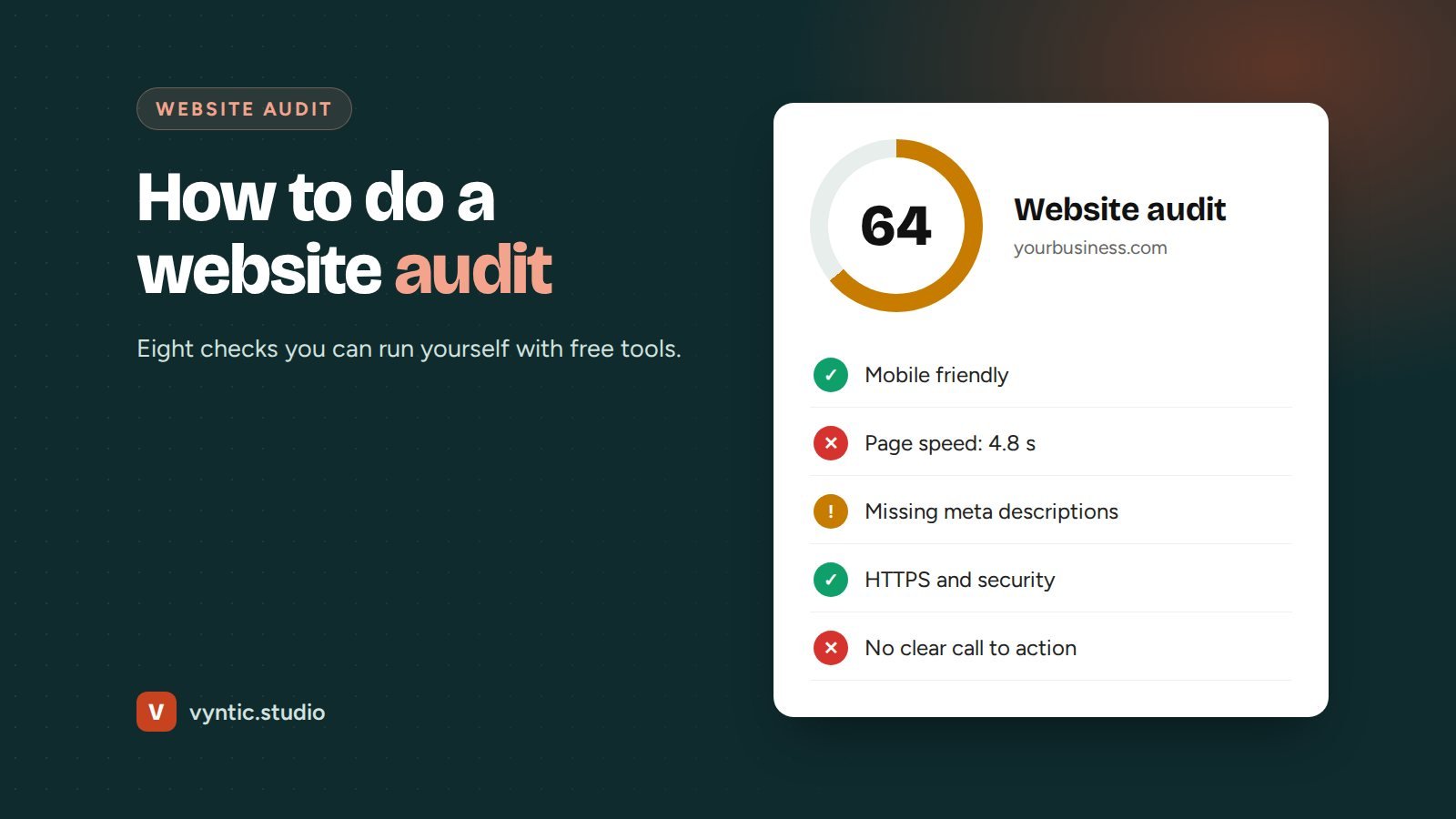
Knowing how to do a website audit saves you money. Instead of guessing why your site is not bringing in leads, you check it against a clear list, find the real problems and fix the ones that matter most. You do not need expensive software. A browser, a phone and a few free Google tools are enough for most small business sites.
This guide walks through how to do a website audit in eight steps, what to look for in each one and what to fix first.
How to do a website audit: set up first
Open a simple spreadsheet with four columns: page, problem, impact (high, medium, low) and fix. Pick five to ten pages to focus on: your home page, your main service or product pages, your contact page and your most visited blog posts. Auditing every page of a large site at once leads to a long list nobody acts on.
Step 1: Check speed on mobile
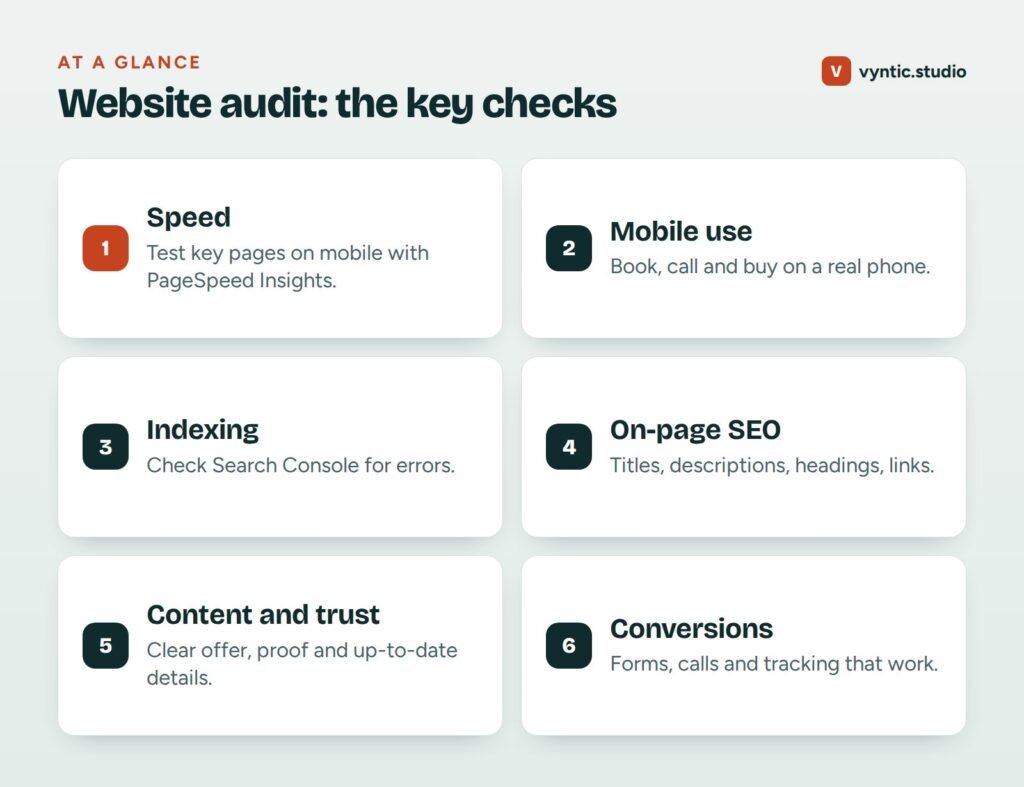
Run your key pages through Google PageSpeed Insights and look at the mobile results. Focus on the Core Web Vitals: Largest Contentful Paint (should be under 2.5 seconds), Interaction to Next Paint (under 200 milliseconds) and Cumulative Layout Shift (under 0.1). If PageSpeed shows “field data” from real users, trust that over the lab score.
Common causes of slow pages are huge images, too many plugins or scripts, slow hosting and page builders that load a lot of code. Our explainer on Core Web Vitals covers each metric in plain English.
Step 2: Use the site on a real phone
Tools miss things people notice. Take your phone and try to do what a customer would: find a price, call you, fill in the form, book or buy. Look for text that is too small, buttons too close together, pop-ups that cover the page and forms that are painful to type into. If you get annoyed, so do your customers.
Step 3: Check that Google can index your pages
Open Google Search Console and look at the Pages report. It shows which pages are indexed and why others are not. Watch for:
- important pages marked “Excluded by noindex tag” by mistake
- “Not found (404)” errors for pages that used to exist
- duplicate pages competing with each other
- a sitemap that is missing or out of date
If Search Console is not set up yet, set it up now. It is free and it is the only way to see your site the way Google does.
Step 4: Review on-page SEO basics
For each key page, check:
- Title tag: unique, under about 60 characters, with the main service and location.
- Meta description: a clear summary that makes people want to click.
- One H1 heading that says what the page is about, and logical H2 subheadings.
- Internal links to and from related pages, with descriptive anchor text.
- Image alt text that describes the image.
A free crawler such as Screaming Frog lists titles, descriptions, headings and broken links for up to 500 pages, which makes this step much faster.
Step 5: Judge your content and trust signals
Read each page as if you were a new customer. Can you tell within five seconds what the business does, who it helps and where? Is there proof: reviews, photos of real work, case studies, team photos, certifications? Are prices or price ranges shown? Is anything out of date, such as old offers, staff who have left or a copyright year from 2019?
Thin, vague pages are one of the main reasons sites fail to rank and fail to convert.
Step 6: Test every way to contact you
Submit every form on the site and check the email arrives, and where it lands. Tap every phone number on mobile. Click every “Book now” button. You would be surprised how often we find forms that have been silently failing for months.
Step 7: Check tracking and security
Make sure Google Analytics or another analytics tool is installed and recording form submissions and calls as conversions. Check the site loads on HTTPS with no security warnings, that WordPress, plugins and themes are up to date, and that you have recent backups stored off the server.
Step 8: Look at conversions
Finally, look at the numbers. What share of visitors contact you or buy? Which pages bring traffic but no leads? Where do people leave? A page with lots of visitors and no enquiries usually needs a clearer offer, stronger proof or a simpler call to action, not more traffic. Our guide to local business SEO covers how to turn more of that traffic into calls.
What to fix first
Sort your list by impact, then work top down:
- Anything that stops people contacting you, such as broken forms or hidden phone numbers.
- Anything that stops Google indexing key pages.
- Slow mobile speed on your top pages.
- Missing or duplicate titles and descriptions.
- Weak content and missing trust signals.
- Design and polish.
Want a second opinion?
If you would rather not do it yourself, our free website audit checks speed, SEO, security, mobile use and lead conversion and sends you a clear report. If the audit shows the site needs more than a tune-up, see our website redesign service or book a free project call to talk it through.
Frequently asked questions
How often should I do a website audit?
A light check every quarter and a full audit once a year is enough for most small businesses. Always audit before and after a redesign or platform move.
Which free tools do I need for a website audit?
Google PageSpeed Insights, Google Search Console, Google Analytics and a real phone cover most checks. A free crawler such as Screaming Frog (up to 500 URLs) helps with titles and broken links.
What should I fix first after a website audit?
Fix anything that stops people contacting you or stops Google indexing your pages first. Then speed on mobile, then titles and content, then design polish.
Can a website audit improve my rankings?
The audit itself does not, but fixing what it finds often does. Indexing errors, slow pages and missing titles are common reasons good businesses rank poorly.

3 comments