
Why WordPress Still Powers 43% of the Internet in 2026 (And Why Your Business Should Be on It)

Some platforms come and go. WordPress keeps growing.
The web changes quickly, yet one content management system has stayed at the top for more than twenty years. According to W3Techs, WordPress runs roughly 43% of all websites, and that share has held up even as newer website builders arrived to challenge it.
The interesting question is not whether WordPress is popular. It is why, and what that means for your business.
At Vyntic Studio, WordPress is the platform we recommend most often to businesses that want speed, flexibility and full ownership of their website. In this post we explain why it is still a strong choice in 2026, and what a well-built WordPress site can do that a typical website builder cannot.
What Is WordPress and Why Does Market Share Matter?
WordPress is an open-source content management system. You can build, manage and grow a website with it without being tied to one company’s ecosystem. Unlike Wix, Squarespace or Shopify, WordPress is not a product you rent. It is software you own.
That matters. When your website lives on a closed platform, every price rise, policy change or removed feature is someone else’s decision. With WordPress, those decisions stay with you.
The market share figure is more than a vanity number. It means a huge pool of developers, hosting companies, plugins and tutorials, so you are never stuck with one supplier. Large publishers and millions of small businesses run on it for the same reason.
What Has Changed in WordPress Development
WordPress has not stood still. The platform today is very different from the one many people remember.
The block editor has matured
The block editor (Gutenberg) has grown into a capable site-building system. Full-site editing lets developers build headers, footers and page templates with blocks instead of relying on heavy third-party page builders. For a business, that usually means cleaner code, faster pages and more design control. We explain the page builder problem in our article on why to avoid drag-and-drop page builders.
AI tools are part of everyday work
AI features now show up across the WordPress ecosystem, from SEO suggestions in plugins like Rank Math and Yoast to help with drafting content and writing image alt text. Used with care, they make sites quicker to build and easier to maintain. They do not replace a clear structure, which is why we plan headings, URLs and internal links before any content goes in.
Performance is a baseline expectation
Interaction to Next Paint (INP), which measures how quickly a page responds when someone taps or clicks, replaced First Input Delay as a Core Web Vital in 2024. A WordPress site can score very well on all three Core Web Vitals, but only when it is built with performance in mind. Our Core Web Vitals guide covers what each metric means.
Security needs ongoing attention
A secure WordPress site in 2026 means HTTPS, two-factor login, regular updates, a firewall and tested backups. A well-maintained WordPress site is secure. A neglected one is not. That is why we offer website care plans for clients who would rather not handle updates themselves, and why we wrote our WordPress security guide.
The Business Case for WordPress
Leaving the technical details aside, here is why WordPress makes sense from a business point of view.
You own your platform
Ownership is the biggest advantage WordPress has over closed alternatives. Your content, design, data and code all belong to you. If you want to change host, redesign or bring development in-house, you can, without platform exit fees or features locked behind a higher plan.
It is a strong base for SEO
WordPress gives you clean URLs, editable titles and meta descriptions, schema support through SEO plugins, XML sitemaps and semantic HTML. A professional build makes the most of them. At Vyntic Studio, heading structure, internal linking, page speed and mobile layout are planned before the first page goes live. If you want ongoing help, see our SEO services.
It grows with your business
You might be launching a five-page site today and planning a content hub, membership area or online store next year. WordPress can handle both. The official plugin directory alone holds tens of thousands of plugins, so new features rarely mean starting again.
It supports almost any business model
Company websites, portfolios, WooCommerce stores, memberships, online courses, booking systems, directories and news sites all run on WordPress. As your business changes, your website can change with it.
What Separates a Fast WordPress Site from an Average One
Two WordPress sites can look similar and perform very differently. A site built with care and a site assembled from a heavy theme and a page builder are not the same product.
A well-built WordPress site usually has:
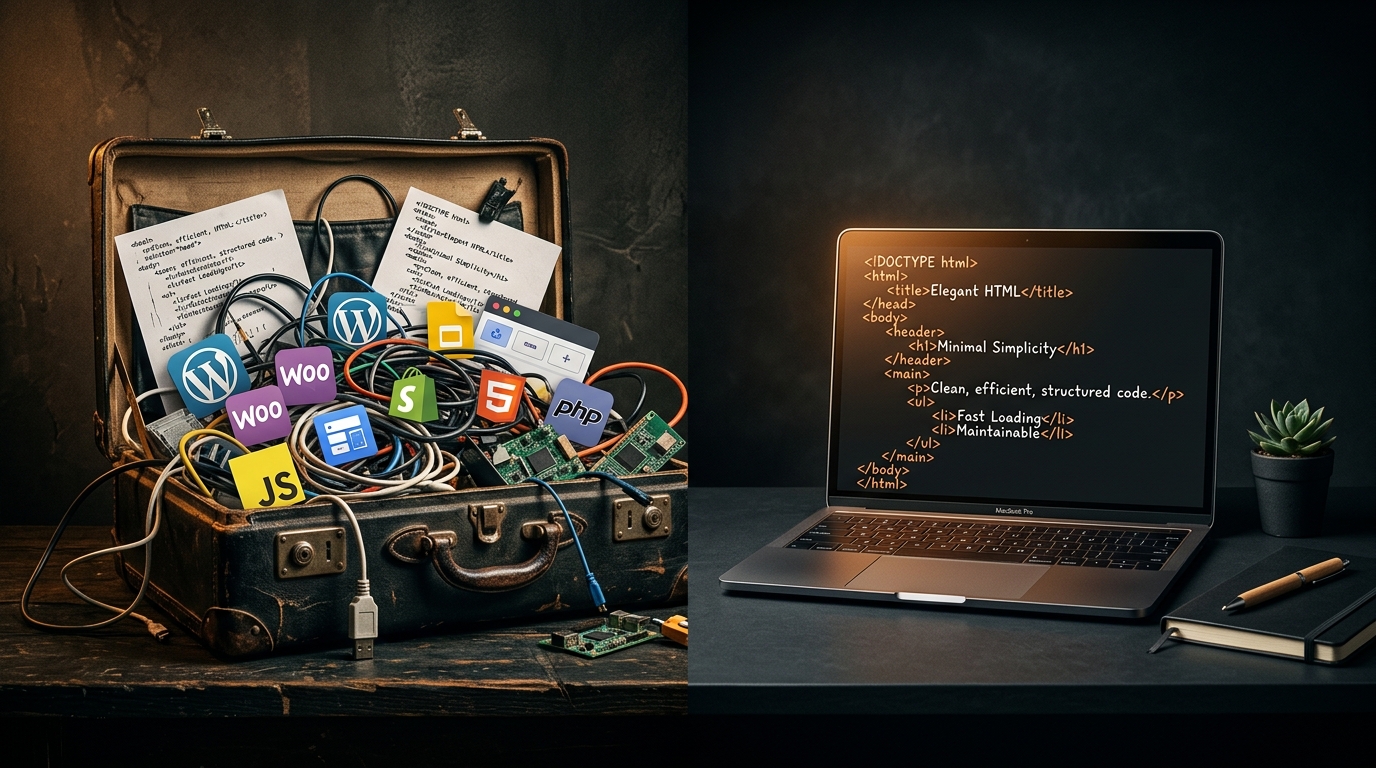
Hand-written code where it counts. Theme files, custom post types and key features are written by hand instead of generated by a visual builder.
Careful asset handling. Images are sized and compressed and served in modern formats. Scripts load only where needed, and critical styles load first.
SEO structure from day one. URLs, breadcrumbs, schema, internal links and sitemaps are planned before pages are built.
Hosting suited to WordPress. The server matters as much as the code: page caching, a CDN and an up-to-date PHP version make a real difference.
That is how we approach every WordPress development project.
WordPress vs the Alternatives
WordPress vs Wix. Wix is quick to start but limited in flexibility, SEO depth and ownership, and you cannot export a Wix site as a working website. WordPress gives you full control. If you are on Wix now, our Wix to WordPress migration service moves your site safely. Our Wix vs WordPress comparison goes into more detail.
WordPress vs Squarespace. Squarespace has attractive templates but less room for custom features, plugins and SEO control. Growing businesses often outgrow it. See our Squarespace to WordPress migration service.
WordPress vs Shopify. For online stores, both Shopify and WooCommerce on WordPress are solid choices, but WooCommerce gives you more control over features and SEO. Read our full WooCommerce vs Shopify comparison.
WordPress vs Webflow. Webflow is a strong design tool, but it has a learning curve, plan-based pricing and a more limited CMS for content-heavy sites. Read our WordPress vs Webflow comparison, or see our Webflow to WordPress migration service.
When Is WordPress the Right Choice?
WordPress is usually the right choice when:
- You want your site to perform well in search and you want full control over your SEO
- You plan to publish content regularly and need a proper CMS
- You expect to add features over time without rebuilding
- You want to own your website and avoid depending on another company’s pricing
- You plan to sell online and want the flexibility of WooCommerce
It may not be the best fit if you only need a single campaign page with no plans to grow. In that case a dedicated landing page built for conversions may serve you better.
How Vyntic Studio Builds WordPress Websites
We start with discovery: your business model, audience, content and goals. Then we plan the site structure, URL hierarchy and internal links before any design work begins, so design follows strategy and not the other way around.
During development, speed and SEO are requirements, not extras. We do not rely on heavy page builders. We write clean, semantic HTML, build custom themes where it makes sense and add only plugins chosen and tested for your project.
Before launch, every site is checked for page speed, mobile layout, SEO basics, security settings and browser compatibility. After launch, our care plans are there if you want us to look after updates, backups and monitoring.
Ready to Build a WordPress Website That Performs?
If you want a WordPress website that is fast, easy to find in search and ready to grow with your business, we would be glad to help. You can start with a free website audit of your current site, check our pricing, or get in touch to talk through your project. We will look at your requirements, suggest the right approach and give you a clear plan.

Comments