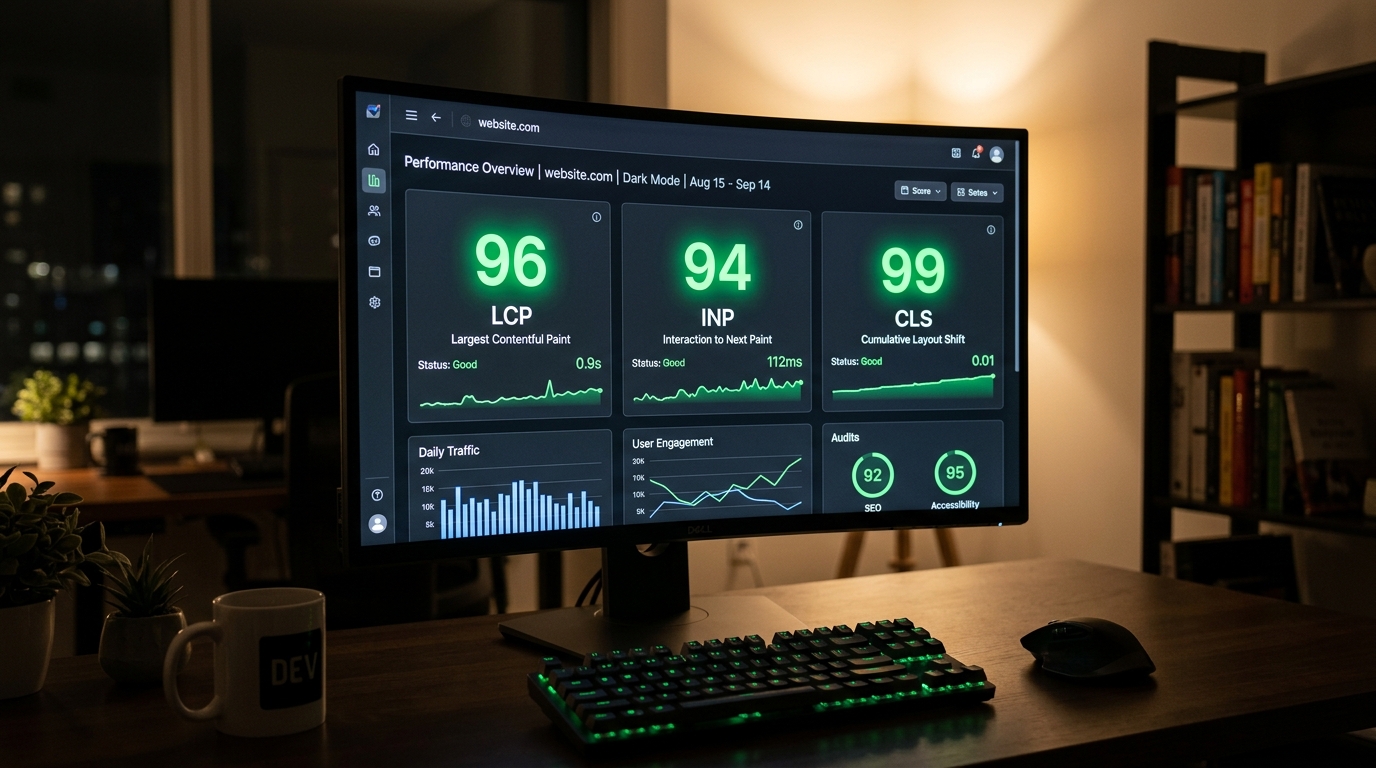
If your WordPress site is loading slowly, shifting around while people try to read it, or taking too long to respond to clicks, Google already knows. And it is factoring those problems directly into where your pages rank.
Core Web Vitals are the three performance signals Google uses to measure how real people actually experience your website. They are not abstract developer metrics. They reflect things your visitors notice every time they land on your pages, even if they could never put a name to what is frustrating them.
This guide breaks down what Core Web Vitals actually measure, what good scores look like in 2026, and how to fix the most common issues on WordPress sites without turning your codebase upside down.
What Core Web Vitals Actually Measure
There are three metrics in the Core Web Vitals framework. Each one measures a different aspect of page experience.
LCP: Largest Contentful Paint
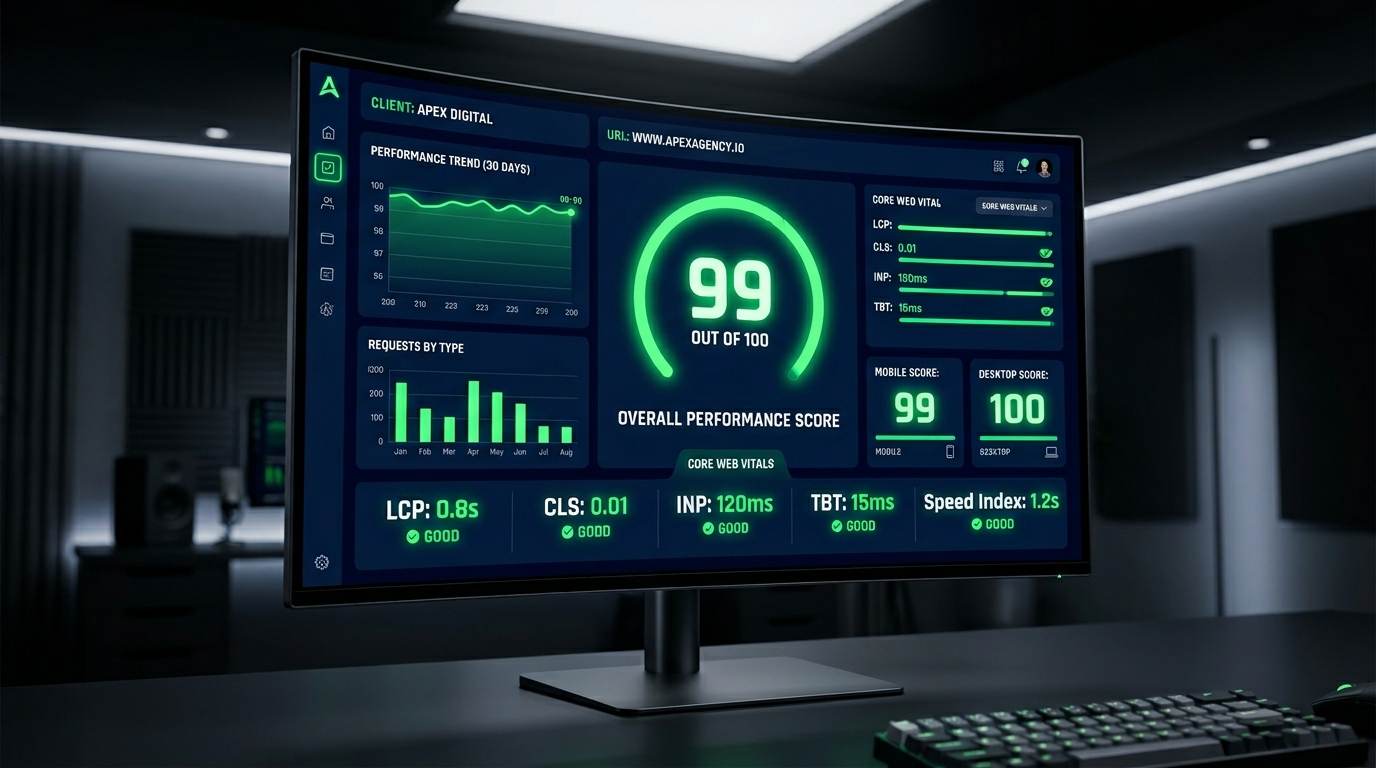
LCP measures how long it takes for the largest visible element on your page to load. That is usually your hero image, a large heading, or a featured banner. A good LCP score is 2.5 seconds or under. Anything above 4 seconds is considered poor.
When your LCP is slow, visitors sit staring at a half-loaded page. Many of them leave before your site finishes loading. That lost traffic is also a lost conversion.
INP: Interaction to Next Paint
INP replaced the older FID metric in 2024. It measures how quickly your page responds when a user interacts with it, clicking a button, opening a menu, or submitting a form. A good INP is under 200 milliseconds. Anything above 500 milliseconds is poor.
A slow INP makes your site feel broken. Users click a button and nothing seems to happen. They click it again. Your server eventually responds. By that point, the trust is already damaged.
CLS: Cumulative Layout Shift
CLS measures how much your page layout moves around while it is loading. If you have ever started reading a paragraph and had an ad or image pop in above it, pushing everything down, that is layout shift. A CLS score under 0.1 is considered good. Anything above 0.25 is poor.
Layout shift is one of the most frustrating experiences on the web. It also causes accidental clicks on ads or wrong buttons, which damages user trust significantly.
Why Core Web Vitals Matter More in 2026
Google has been incorporating page experience signals into its ranking algorithm since 2021. In 2026, the weight of these signals has grown as Google’s ability to measure real-user experience has become more sophisticated.
Beyond rankings, there is a direct business case. Research consistently shows that faster websites convert better. A one-second improvement in load time can increase conversions by anywhere from 7 to 27 percent depending on the industry. For an e-commerce site doing serious volume, that is a significant number.
If your site is currently failing Core Web Vitals, you are simultaneously losing organic traffic and leaving conversion potential on the table.
How to Fix LCP on a WordPress Site
Slow LCP on WordPress almost always comes from one of a handful of causes. Here is how to address each one.
Optimize Your Hero Image
Your hero image is typically your LCP element. It needs to be in a modern format like WebP or AVIF, sized correctly for the viewport it will appear in, and served with proper compression. Avoid using a 2MB PNG as your hero banner. Compress it properly and serve it in the right format.
Use Resource Hints and Preloading
Add a rel="preload" hint for your LCP image in your theme’s head section. This tells the browser to start fetching it as early as possible, before it has finished parsing the full page. The difference this makes to LCP scores is often significant and requires minimal technical effort.
Eliminate Render-Blocking Resources
Scripts and stylesheets that load in the head of your page can block the browser from rendering visible content. Defer non-critical JavaScript, inline only what is needed above the fold, and remove any unused CSS that is loading unnecessarily on every page.
Upgrade Your Hosting
Shared hosting environments with slow Time to First Byte (TTFB) will drag your LCP score down regardless of how well you optimize your assets. For a business website or e-commerce store, managed WordPress hosting with fast server response times is a requirement, not a luxury.
At Vyntic Studio, every site we build through our WordPress website development service is configured for fast server response and optimized hosting from day one.
How to Fix INP on a WordPress Site
Poor INP scores on WordPress are usually caused by JavaScript that is blocking the main thread. When the browser is busy running heavy scripts, it cannot respond immediately to user interactions.
Audit Your Plugin Load
Every plugin you install on your WordPress site adds JavaScript to your pages. Some plugins are well-coded and lightweight. Many are not. Run a plugin audit using browser dev tools or a tool like Query Monitor to identify which plugins are contributing the most to main thread blocking.
Remove Page Builders That Generate Bloated Code
Some of the most common causes of poor INP scores are drag-and-drop page builders that generate excessive inline styles, redundant scripts, and unoptimized output. If your INP is failing and you are using a heavy page builder on every page, that may be the core issue.
Vyntic Studio published a detailed article on why heavy page builders hurt performance and what cleaner alternatives look like in practice.
Defer and Lazy Load Scripts Where Possible
Any JavaScript that does not need to run immediately on page load should be deferred. Chat widgets, analytics scripts, marketing pixels, and social share buttons are all good candidates. Use the defer or async attribute appropriately, and consider loading some scripts only on user interaction rather than on page load.
How to Fix CLS on a WordPress Site
Layout shift problems have specific causes and are usually straightforward to resolve once you identify the culprit.
Always Define Image Dimensions
Images without defined width and height attributes cause layout shift because the browser does not know how much space to reserve for them before they load. Add explicit dimensions to every image in your content and your theme templates.
Avoid Dynamically Injected Content Above Existing Content
Banner ads, cookie consent bars, newsletter popups, and dynamic content blocks that appear above the fold push existing content down and generate CLS. Design these elements to either appear below visible content or to overlay existing content rather than displacing it.
Use Font Display Swap Carefully
Custom web fonts can cause layout shift when they load after the initial page render and replace the fallback font. Use font-display: swap with fallback fonts that closely match the size and spacing of your chosen web font to reduce visible shift.
Tools to Measure and Track Your Scores
- Google PageSpeed Insights — provides both lab data and field data from real users
- Google Search Console — Core Web Vitals report shows performance across your entire site by URL group
- Chrome DevTools — Lighthouse tab gives you a full performance audit with specific recommendations
- WebPageTest — detailed waterfall analysis for diagnosing specific load time issues
- GTmetrix — useful for tracking performance over time with scheduled tests
When to Bring in a Professional
Some Core Web Vitals issues can be fixed with the right plugins and a few configuration changes. Others require real technical work at the theme, hosting, or server level. If you have tried the common fixes and your scores are still failing, the problem is likely deeper than surface-level optimization.
Vyntic Studio offers a free website audit that includes a full review of your performance scores, Core Web Vitals status, and a breakdown of exactly what is holding your site back.
You can also explore our website redesign and revamp service if your current site’s architecture is fundamentally at odds with good performance and a rebuild makes more sense than patching the existing setup.
Final Thoughts
Core Web Vitals optimization is not a one-time project. As your site grows and content is added, scores can drift. Building performance monitoring into your routine, whether through a monthly maintenance plan or regular audits, is the only way to make sure your site stays competitive as Google’s standards continue to evolve.
A fast website is not just good for Google. It is better for your visitors, better for your conversions, and better for your brand. The investment pays for itself.